cat force-sql-server-database-offline.md
Force SQL Server Database offline
If you right click a database in SSMS and select Tasks => Take Offline, you might find yourself staring at this dialog for hours, if there are active sessions running queries on your database.
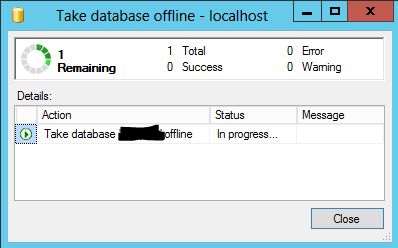
Here's how to force it to go offline, rolling back any current transactions. Replace [dbname] with the name of your database.
USE master
GO
ALTER DATABASE [dbname]
SET OFFLINE WITH ROLLBACK IMMEDIATE
GOTo get it back online, you can do this
USE master
GO
ALTER DATABASE [dbname]
SET ONLINE
GO
Comments