cat enable-remote-management-of-windows-server-core-and-hyper-v-core.md
Enable remote management of Windows Server Core and Hyper-V Core
This is a reference for the commands to enable the firewall rules necessary to remotely manage Windows Server Core and Hyper-V Core.
I keep having to look these up...
Enable-NetFireWallRule -DisplayName “Windows Management Instrumentation (DCOM-In)”Enable-NetFireWallRule -DisplayGroup “Remote Event Log Management”Enable-NetFireWallRule -DisplayGroup “Remote Service Management”Enable-NetFireWallRule -DisplayGroup “Remote Volume Management”Enable-NetFireWallRule -DisplayGroup “Remote Scheduled Tasks Management”Enable-NetFireWallRule -DisplayGroup “Windows Firewall Remote Management”
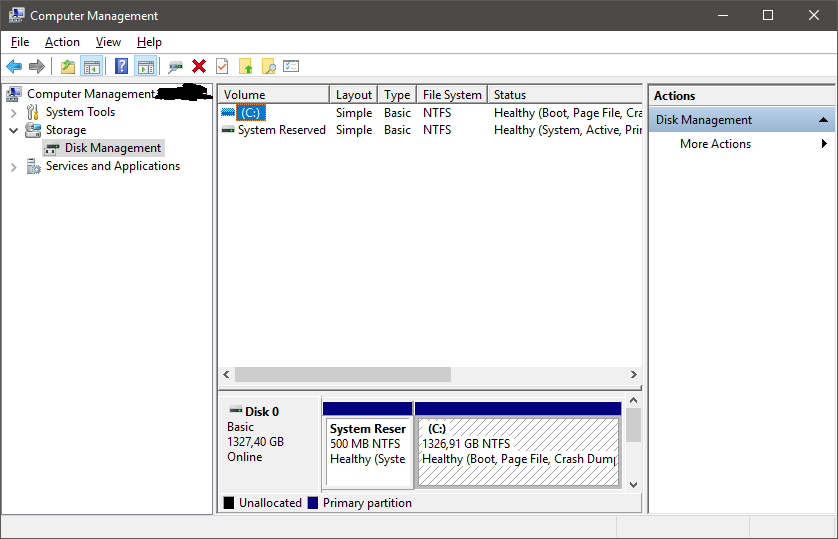
You also have to run one of them on the computer you intend to manager it from. Yes, the client.
Enable-NetFirewallRule -DisplayGroup “Remote Volume Management”
Woop!
Comments