cat installing-windows-xp-on-the-dell-vostro-1700.md
Installing Windows XP on the Dell Vostro 1700
This is basically the same procedure as installing Windows XP on the Fujitsu Siemens Esprimo u9200, in that it needs custom SATA drivers to find the harddisk during install, as well as a bunch of other ones.
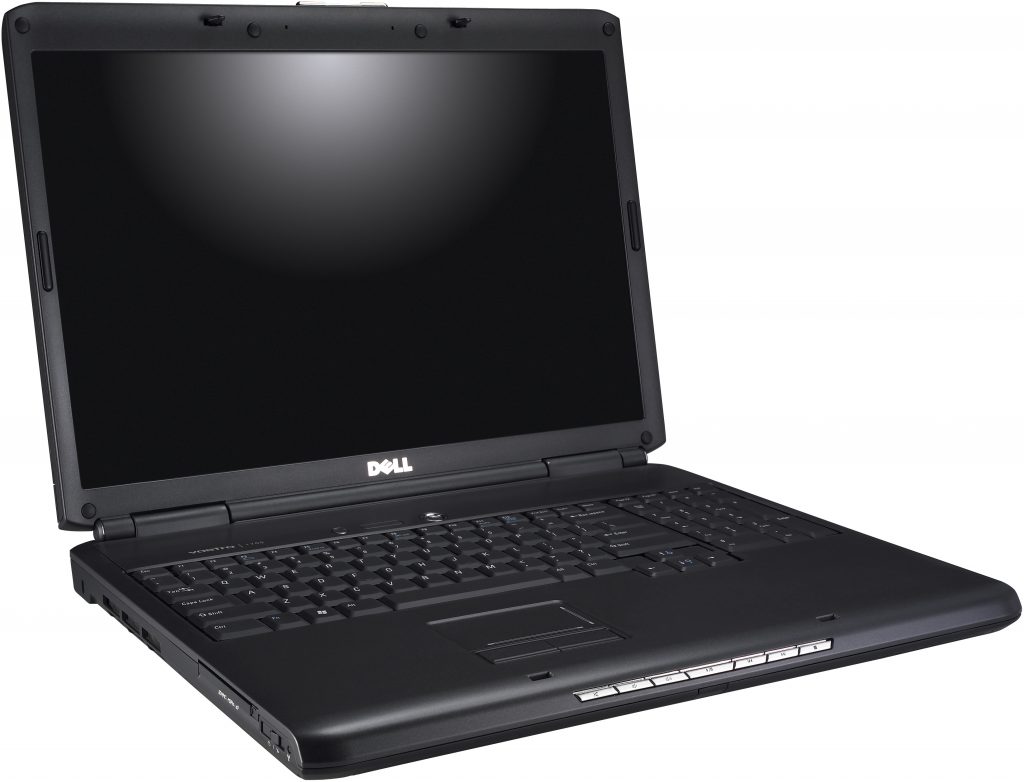
For this install, I decided to actually create a driver disk, and use a real floppy drive. I use a very capable ESYNIC USB floppy drive, which I'd highly recommend. Mostly because it works, and reads all the disks I've tried. This should be something one could take for granted, but I've had two other USB floppy drives before this one and they've both had problems.
Anyway, here's the files to stuff onto a floppy drive for the Vostro 1700: f6floppy.zip
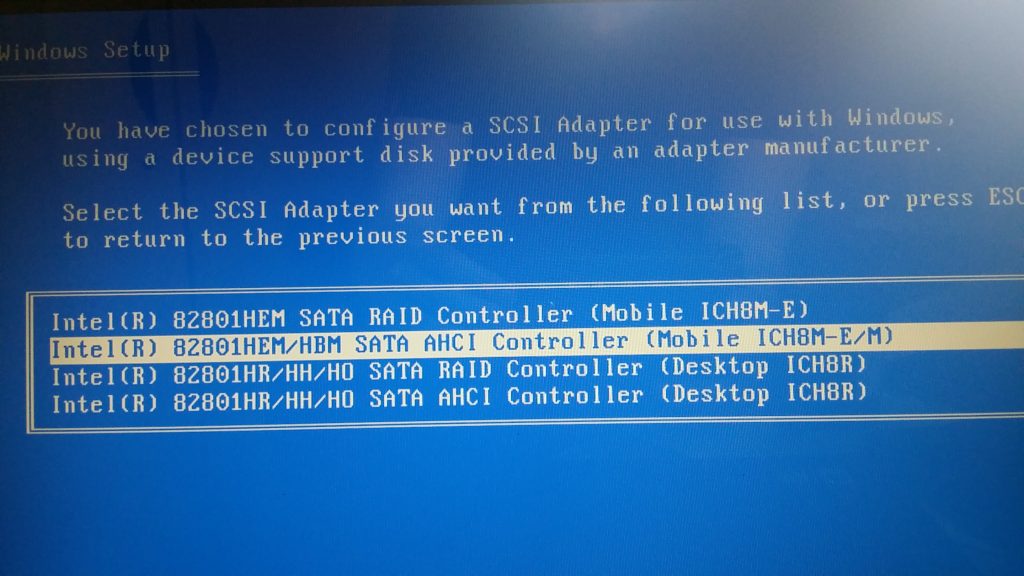
Select the ICH8M-E-M drivers during the install:
I couldn't get the video drivers to install, as the nVidia installer would tell me it found no supported hardware. However, the installer leaves the driver files extracted in C:\dell\drivers\R190066, and pointing the device manager at this directory I was able to install those drivers anyway.
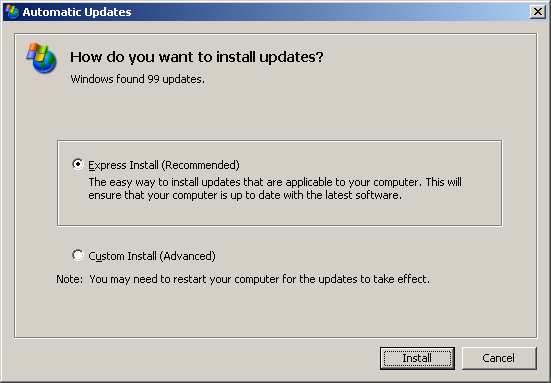
I got 99 updates, but a video driver ain't one?
As this forum thread reveals, the the Vostro 1700 was designed with Windows Vista in mind, so not all the drivers were released for Windows XP. The drivers for the Vostro 1500 can, however, fill in the gaps. I collected all the drivers I used in my install in this zip file: Vostro 1700 WinXP Drivers.zip
Oh, and finally a small rant...
What the heck did manufacturers at the time have against the Windows XP wireless interface?
They literally had to take this...
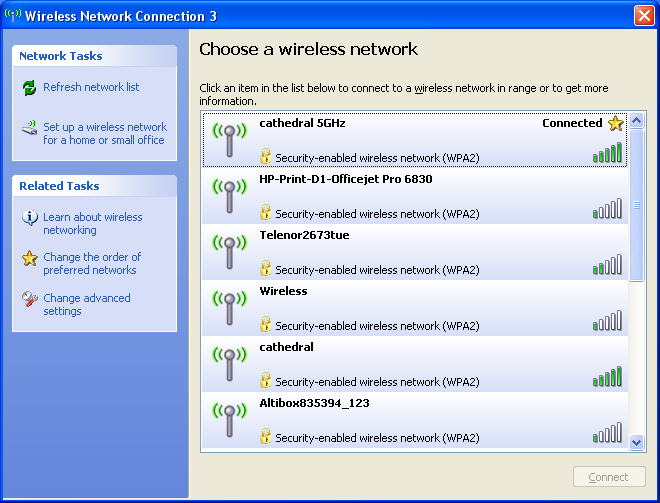
..and replace it with this..
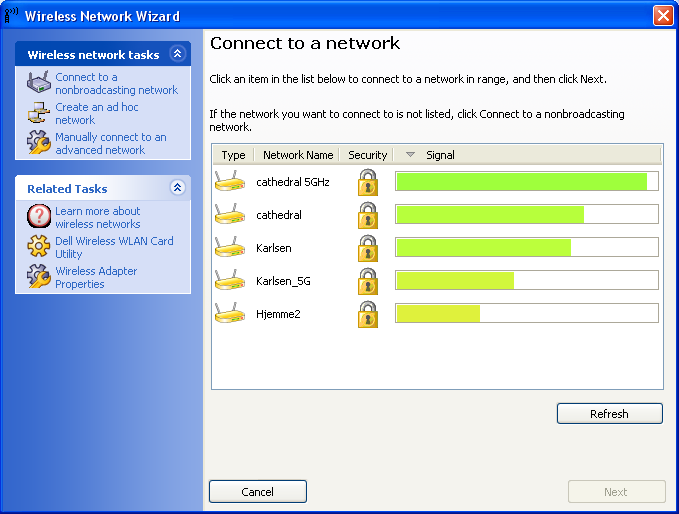
..why would I want that?!
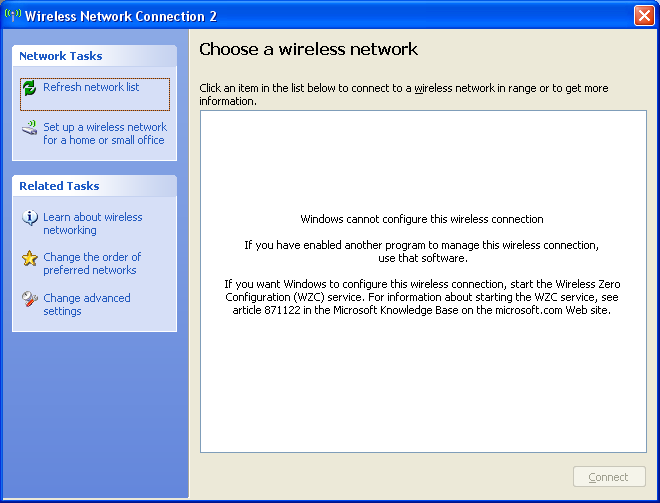
And of course they leave the default tool inoperable:
Comments