cat how-to-remove-the-favorites-button-from-internet-explorer-8-on-windows-xp.md
How to remove the "Favorites" button from Internet Explorer 8 on Windows XP
Reinstalling Windows XP on an ancient (well, vintage 2009) laptop recently, I suddenly remembered how much I hated the "Favorites" button that's stuck on the favorites bar and shows you your favorites when you click it, just as the bar already does.
This thing:

While the rest of the crap, such as the favorites, the "command bar", and other things, can easily be turned off via the menus, the Favorites button is not going away so easily. However, there's a registry setting for that!
In short, you can go into regedit and navigate to HKEY_CURRENT_USER\Software\Policies\Microsoft\Internet Explorer\Toolbars\Restrictions (create any missing keys along the way - mine didn't have a "Toolbars", nor a "Restrictions" key). Then make a new DWORD named "NoCommandBar", and set it to 0x00000001.
..or you could simply import this registry file.
Voila! A nice, clean Internet Explorer:
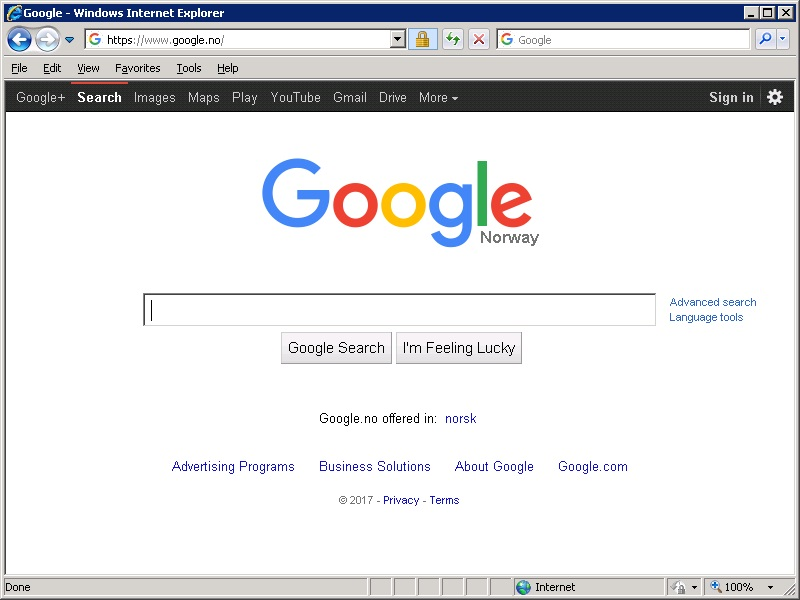
Next step: Install a better browser :)
Comments