cat fixing-empty-search-results-in-the-windows-10-settings-the-shiny-new-control-panel.md
Fixing empty search results in the Windows 10 Settings (the shiny new Control Panel)
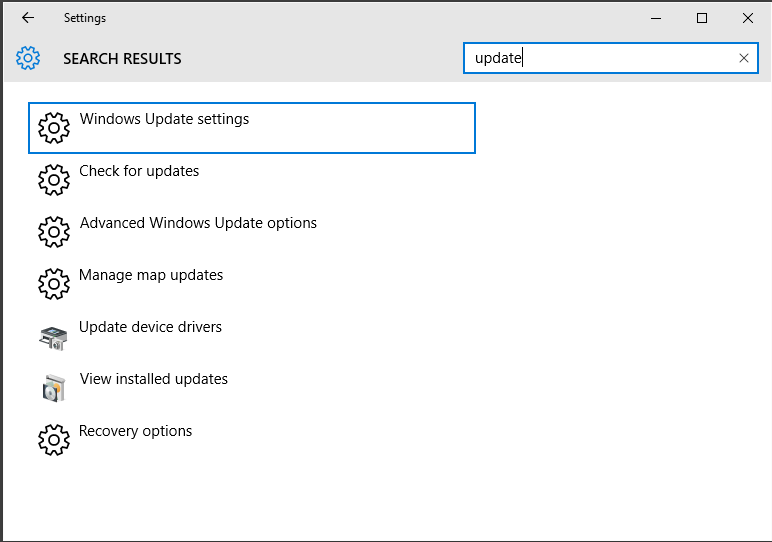
This happened on a few machines I am responsible for, after the upgrade to Windows 10. You click "Start", type "updates", it suggests "Check for Updates" in the "Settings" app, you click <enter> and it opens an empty settings window with no search results. Great.
After looking around for a while, I stumbled over the fix, detailed by winaero.com and rchived here.
In short:
- Win+R
%LocalAppData%\Packages\windows.immersivecontrolpanel_cw5n1h2txyewy\LocalState- Right click the directory called "Indexed", go to Properties => Advanced
- Click "Allow files in this folder to have contents indexed in addition to file properties"
If this option is already selected, de-select it, finish point 5, then go back through this list again to re-select it - Click OK a few times, and agree to propagate the settings to subfolders and files
Hooray! Search works.
Comments